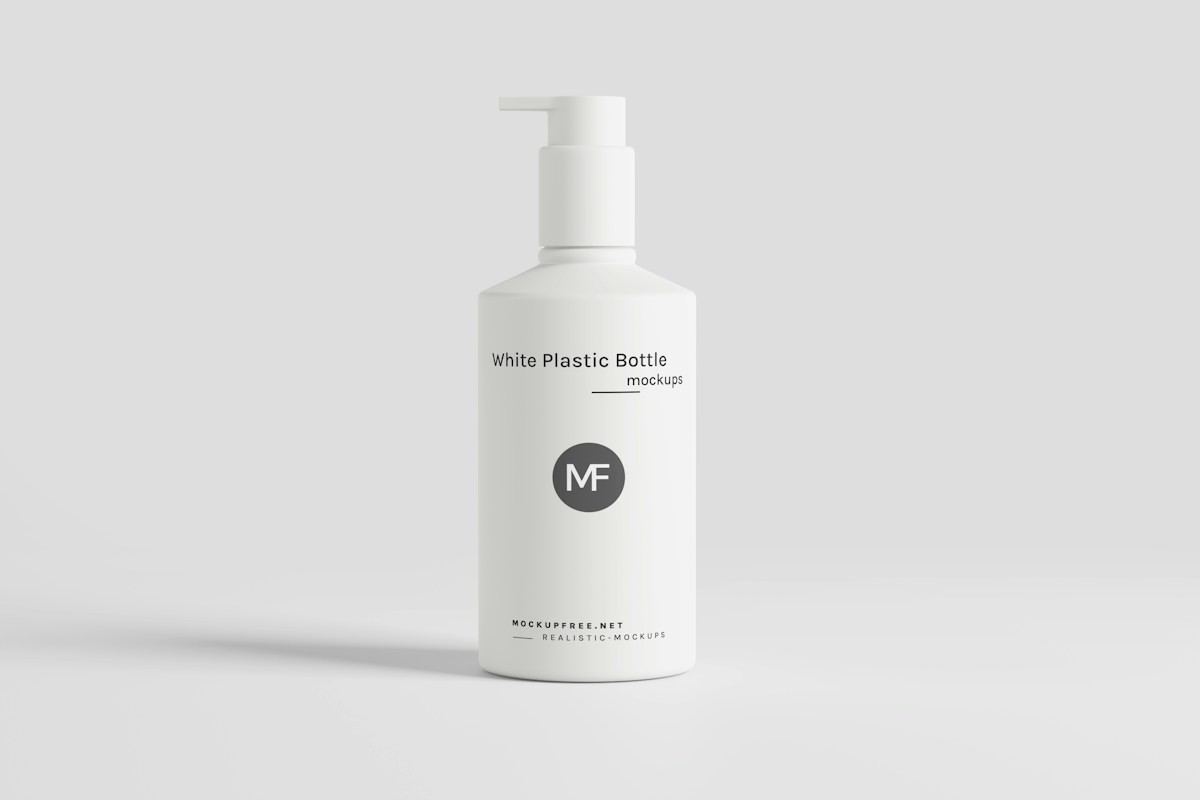
Replace the backdrop, not just the border
Keep Remove background enabled when the original photo has a colored or cluttered backdrop. Choosing white without removing an opaque background only fills empty space around the photo; it cannot remove what is already in the source.
Select White and start with the square 1200 × 1200 canvas. Leave Soft shadow off when you want a plain white result. Other canvas shapes are available if your destination needs them.
Match visual size across products
Start at 12% breathing room and compare the results together. The tool fits each detected subject inside the canvas. A tall bottle and a wide shoe will occupy different silhouettes even with identical settings.
If the model includes a prop, that prop affects the framing. Remove it with the refinement brush or keep-area selection before deciding whether the product scale is consistent.
Check pale products and real shadows
A white bottle needs a visible edge against white. Inspect the outline at a useful zoom and compare it with the source before downloading. A soft added shadow can help define the subject, but it is a visual effect rather than a reconstruction of the original lighting.
The tool does not guarantee marketplace acceptance. Check the current photo dimensions, background, padding and content rules of the place where you will publish. Keep the original for future exports.
Export for the next step
Choose JPG for an opaque white product photo, or PNG if you need a lossless working copy. The JPG quality slider changes encoding quality; it does not sharpen the source. Download one photo to review before exporting the ZIP.
Common questions
Is white the same as transparent?
No. White is an opaque color. A transparent PNG can show whatever background is behind it; a white-background image always includes white pixels.
Why is the old background still visible?
Check that Remove background is enabled and process again. Choosing a new canvas color does not remove the background of an opaque source image.
Does this guarantee approval for a product listing?
No. Listing requirements vary and can change. Review the destination’s current rules and inspect your exported image before publishing.