THE PRODUCT PHOTO WORKFLOW, SIMPLIFIED
One collection.
Every listing.
Adjust light and color, style the backdrop, review your cutouts and export a consistent collection. Original photos stay on your device.
No signup · No watermark · Photos stay on your device
Free beta · up to 12 photos per collection
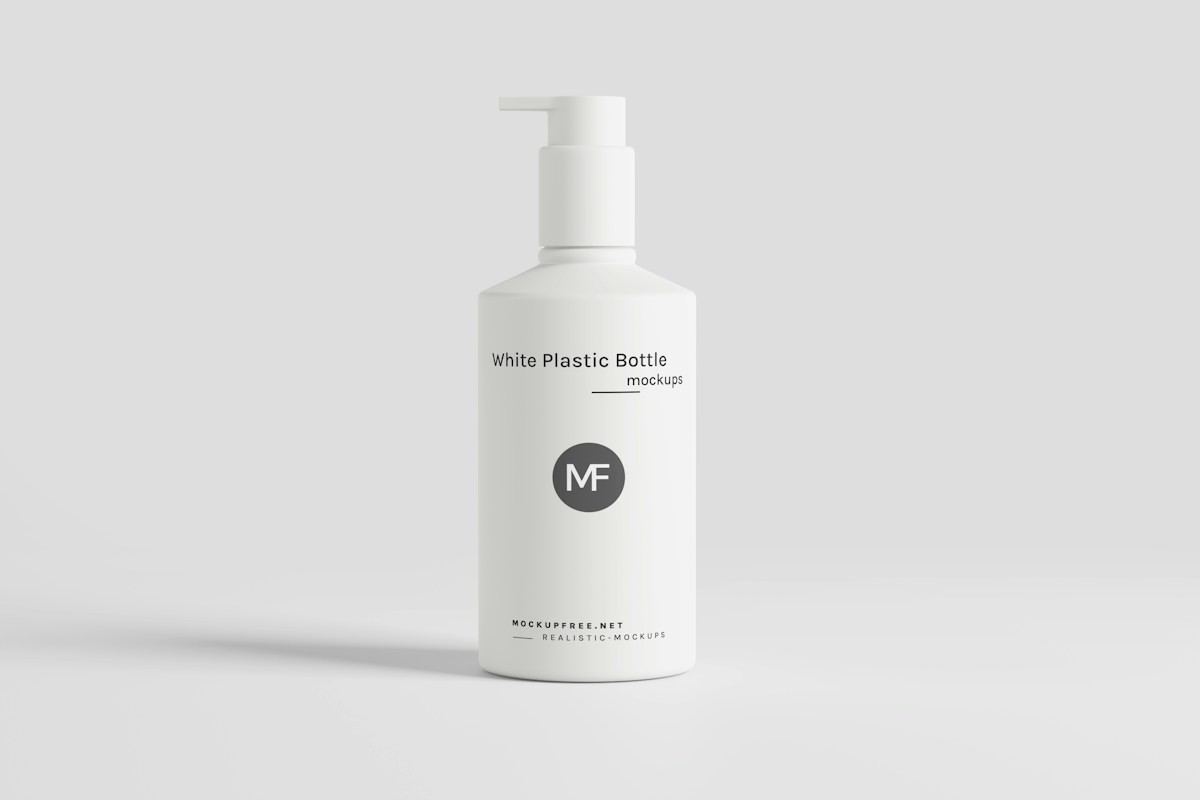 ORIGINAL
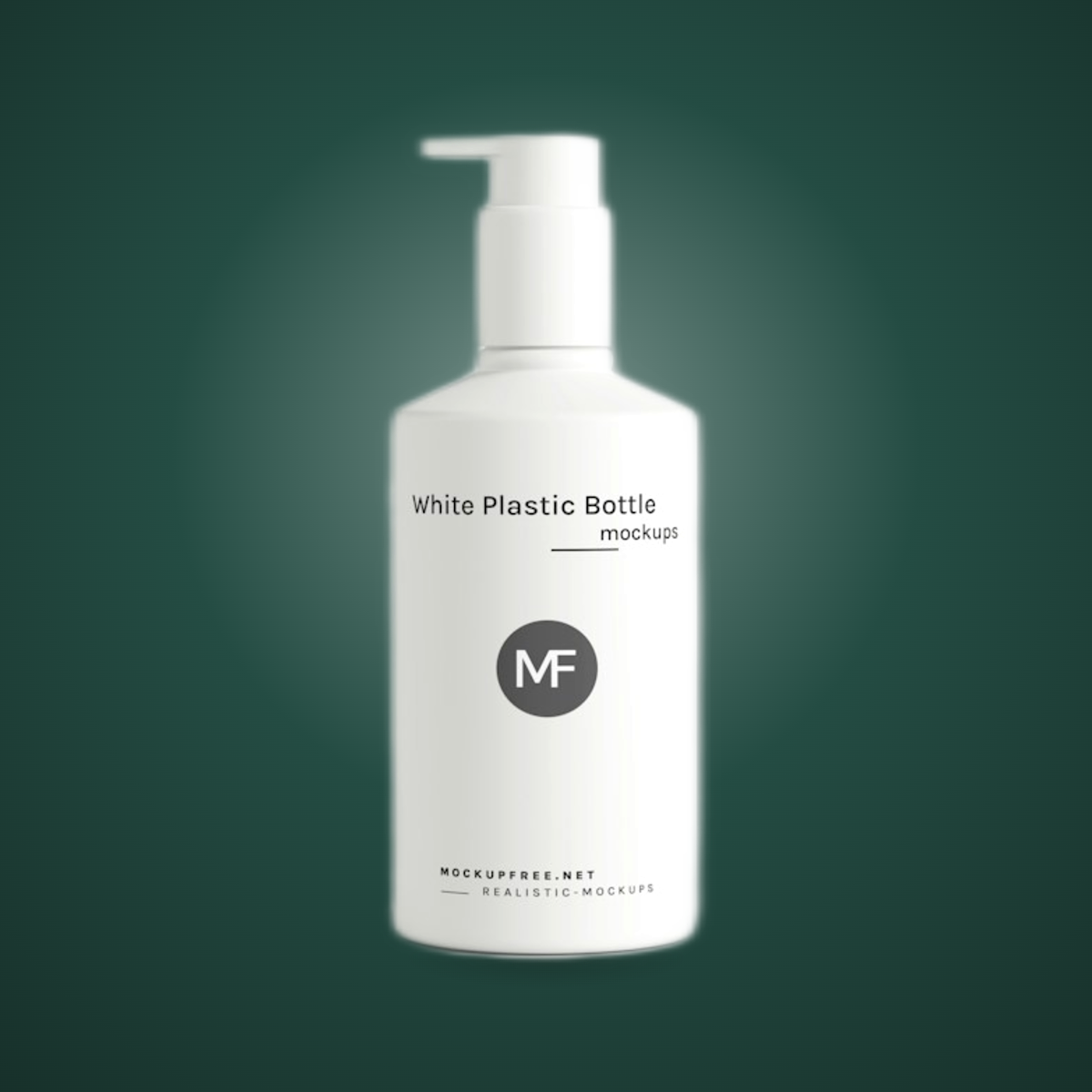 EDITED
Actual browser export: cutout, color adjustments and a gradient backdrop. Soft edges may need cleanup. Sample: Mockup Free / Unsplash.
Light. Color.
Your signature look.
Adjust exposure, contrast, warmth and saturation. Choose a studio sweep or spotlight backdrop, then save the look for your next collection.
Get closer.
Keep control.
Zoom in up to 300%. Erase, restore and crop one photo without changing the rest of the collection.
Three sizes.
One neat ZIP.
Square and portrait JPGs, plus compact WebP photos. Create an organized export pack from your ready photos, without running AI again.
See the batch workflow ↗Less busywork.
More ready-to-use photos.
Five starting points, one workspace. Keep the settings consistent while checking each result.
Remove a background
Create a transparent cutout. Clean up the edges by hand.
Make it white
Put products on a shared white canvas with consistent padding.
Resize a collection
Choose a canvas shape and fit a whole batch to the same size.
PNG to JPG
Convert PNG photos to JPEG with a solid background.
Batch photo editor
Save styles and export ready photos in three listing sizes.
THE COLLECTION WORKFLOW
Set the look once.
Bring the whole batch.
One bright backdrop and a shared margin can bring a catalog together. Start with a clear photo; use the studio to make the finishing consistent.
Open your photo desk ↗Bring a few products.
Add up to 12 PNG, JPG or WebP photos. Try the sample collection before using your own.
Save your signature look.
Set the canvas, breathing room, background and format. Save a named style; zoom in to clean up each photo.
Inspect. Export. Pick up later.
Compare Original and Result. Download a collection, build a multi-size pack, or Save project to keep photos and cleanup edits for next time.
EXPORTED BY THIS STUDIO
Ready for the next place
your product goes.
Actual browser exports from the sample collection. White canvases, shared padding and an organized file for every size.
3 sample photos × 3 sizes · ZIP, about 505 KB.
Review images before publishing; marketplace requirements vary.
YOUR PHOTO NEVER NEEDS TO LEAVE
Editing on your device.
By design.
The studio processes photo pixels in your browser. It does not upload your photos for editing. Model files are downloaded separately and may be cached by your browser.
Background removal loads approximately 5 MB of model data plus a 14 MB runtime the first time. Processing uses your device’s memory and CPU. Resizing and format conversion work without loading the model.
Read the privacy details ↗A few good photo habits.
Practical guides to help you choose settings and check the results.
Make a collection look like it belongs together.
Consistency comes from repeating a small set of decisions and checking the exceptions. A batch tool handles the repeatable part; your review catches the bottle, strap or reflection that needs different treatment.
READ GUIDE ↗THE SELLER’S FIELD NOTESTransparent PNG or JPG? Choose for the next use.
Start with one question: does the image need to show the page behind the product? If yes, keep transparency. If the background should always be white or another fixed color, an opaque photo may be enough.
READ GUIDE ↗